How to get a SQL file from an UpdraftPlus database backup
UpdraftPlus backs up all of your data in normal zip files, including your database. Your database backup is a regular SQL file that can be used anywhere.
How do I view the SQL file?
Download the zip file
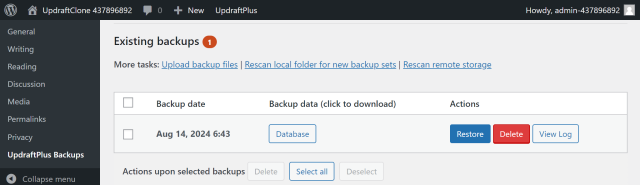
Go to UpdraftPlus >> Backup / Restore >> Existing backups and click to download the database backup.
Unzip the file
Locate your downloaded file and unzip it to view its contents.
Can I import it into my database using my hosting company control panel?
Yes, your hosting provider will usually provide a database manager such as phpMyAdmin. If your database has not been encrypted you can import the file directly.
Note: Some versions of phpMyAdmin may require a slightly different filename ending in db.sql.gz, in this case you can simply rename the file to match the required naming pattern.