Best WordPress plugins for blogs: Boost traffic and performance

Running a blog can be a bit of a juggling act. Maybe your pages load slowly, readers drop off halfway through a post, or you’re constantly worrying about backups and security. That’s where the right plugins make life a lot easier. However, choosing the needed plugins among hundreds of available ones is of course, difficult. A plugin may have an impressive feature list but still slow down your site, create conflicts, or add features you never use. The best WordPress plugins for blogs solve a specific problem, work reliably, and earn their place on your site.
We’ve selected the plugins worth considering for the core needs of a blog, with a focus on what each one does best and who it is suited to. You’ll also see where each plugin fits into your WordPress setup, so you can choose the tools you actually need.
Key takeaways
Section titled Key takeaways- Focus on the essentials, a few well-chosen plugins can handle everything from SEO and speed to backups and security.
- Look beyond features. The best plugins are lightweight, regularly updated, and easy to use.
- A fast, secure, and well-structured blog doesn’t just look professional – it keeps readers coming back for more.
Methodology: How I chose these plugins
Section titled Methodology: How I chose these pluginsTop plugins at a glance
Section titled Top plugins at a glanceHere’s a quick table showing the best WordPress plugins for blogs, what they do, and why they’re important:
Best WordPress plugins for your blog
Section titled Best WordPress plugins for your blogBelow, I’ve shared the plugins I consider essential for any modern blog – covering everything from SEO and backups to design and engagement. I’ve included why I use each one and what makes it worth installing, so even if you’re new to WordPress, you’ll know exactly what it does and why it matters.
1. Yoast SEO
Section titled 1. Yoast SEOFree + Premium | Ease of Use: 9.4/10 | Performance Impact: 9.5/10 | Reliability: 9.3/10 | Features: 9.6/10 | 10 + million active installs
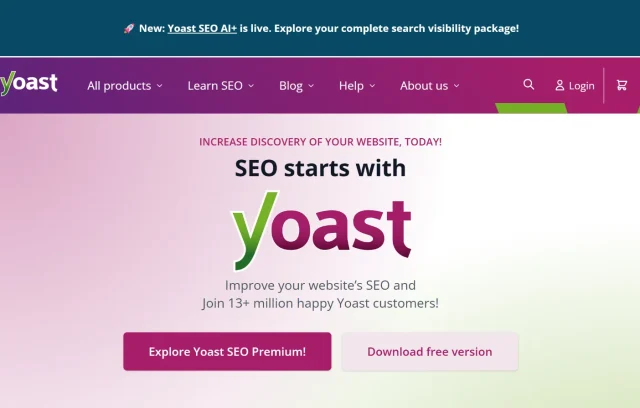
Yoast SEO is the classic plugin for making your content search-friendly. It adds a set of optimization tools directly into your WordPress editor, so you can improve each post before hitting publish.
Key features
- Keyword optimization and real-time SEO scoring
- Readability analysis (helps make your writing easy to follow)
- Custom meta titles and descriptions
- Schema and Open Graph data for rich results
- XML sitemaps generated automatically
Why you need It
For most bloggers, organic traffic is the lifeblood of growth. Yoast SEO ensures every article is optimized not just for Google, but also for real people. Even if you’re new to SEO, the traffic light indicators make it easy to understand what needs improvement.
2. WP-Optimize
Section titled 2. WP-OptimizeFree + Premium | Ease of Use: 8.8/10 | Performance Impact: 9.4/10 | Reliability: 8.9/10 | Features: 9.0/10 | 1 + million active installs
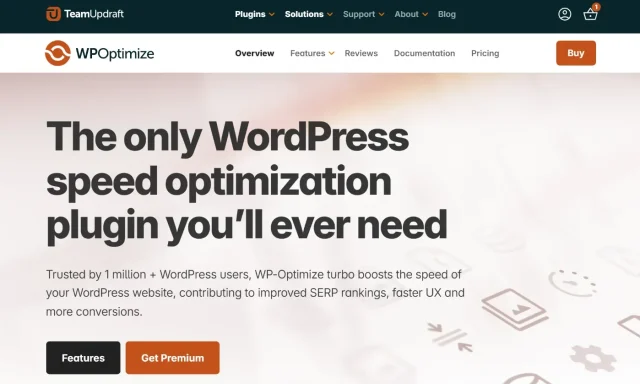
WP-Optimize keeps your blog running lean and fast. It cleans up junk data, optimizes your database, compresses images, and caches pages to minimize load times.
Key features
- Database optimization to remove old post revisions and spam
- Lossless image compression
- Caching engine to store static copies of your pages
- Minification for CSS and JS files
Why you need It
Speed is everything. A delay of even one second can reduce your conversion rate and bump up bounce rates. WP-Optimize automates performance tuning so your blog runs smoothly, even as your content grows.
Boost your blog’s performance
With WP-Optimize Premium, you get advanced caching, enhanced image compression, and multisite optimization – everything you need to keep your blog lightning fast.
3. WPForms
Section titled 3. WPFormsFree + Premium | Ease of Use: 9.5/10 | Performance Impact: 9.2/10 | Reliability: 9.3/10 | Features: 9.4/10 | 5 + million active installs
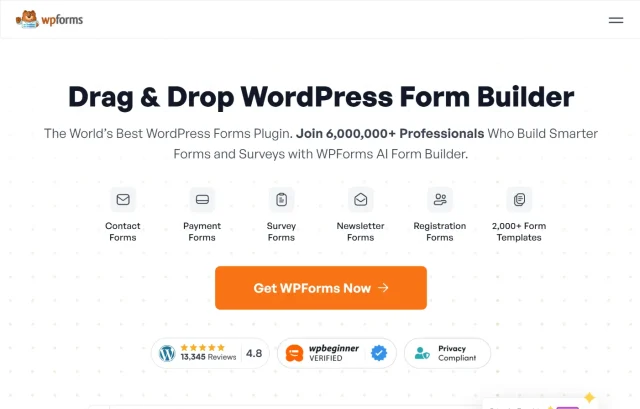
Whether you want a contact form, a newsletter signup, or a reader survey WPForms makes it ridiculously easy. It’s a drag-and-drop form builder that integrates with all major email marketing tools like Mailchimp or ConvertKit, so you can collect leads right from your blog.
Key features
- Drag-and-drop form builder
- Pre-built templates
- Spam protection (honeypot + reCAPTCHA)
- Conditional logic (for smart forms)
- Integrations with payment and email tools
Why it’s needed
Every blog needs a way for readers to reach you whether for feedback, collaborations, or business opportunities. WPForms makes that professional and effortless. It’s perfect if you are building community and growing an email list. It turns your readers into subscribers or collaborators with minimal setup.
4. All-In-One Security (AIOS)
Section titled 4. All-In-One Security (AIOS)Free + Premium | Ease of Use: 9.0/10 | Performance Impact: 8.8/10 | Reliability: 9.2/10 | Features: 8.9/10 | 1 + million active installs
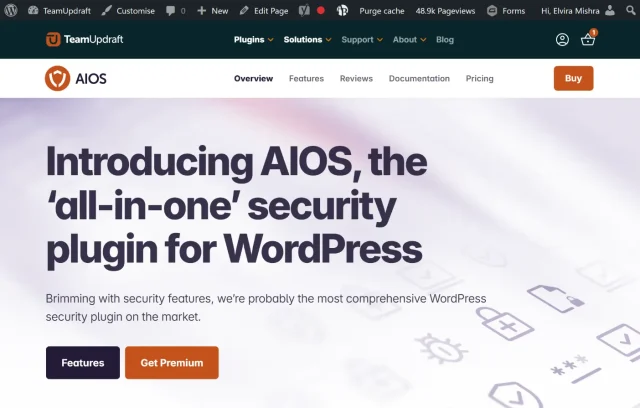
AIOS is an all-in-one WordPress security plugin that protects your blog from brute-force attacks, spam, and malware. It’s designed for beginners but powerful enough for advanced users, helping you strengthen your site’s security without any technical setup.
Key features
- Firewall and brute-force protection
- Login lockdown and two-factor authentication
- CAPTCHA and spam protection
- File change detection and malware scanning
- Security monitoring
- Security hardening recommendations
Why you need It
Your blog is an investment. A single security breach can compromise years of work and credibility. AIOS gives you professional-grade protection without slowing down your site.
Keep Your blog secure
Protect your site from daily attacks with AIOS blocks bots, stops brute-force logins, and strengthens your site with advanced two-factor authentication – leaving you free to focus on creating content.
5. Elementor
Section titled 5. ElementorFree + Premium | Ease of Use: 9.3/10 | Performance Impact: 8.7/10 | Reliability: 8.9/10 | Features: 9.5/10 | 10+ million active installations

Elementor gives you complete visual control over your blog’s design. It’s a drag-and-drop builder that lets you customize every page without touching code.
Key features
- Pre-designed templates and sections
- Responsive editing for mobile, tablet, and desktop
- Global styles for consistency
- Popup and landing page builders
- Integrations with email and marketing tools
Why you need It
A clean, unique design can make your blog stand out and increase reader trust. Elementor lets you design beautiful pages quickly from blog posts to contact pages, without relying on developers.
6. AddToAny Share Buttons
Section titled 6. AddToAny Share ButtonsFree | Ease of Use: 9.3/10 | Performance Impact: 9.1/10 | Reliability: 9.3/10 | Features: 9.2/10 | 300k+ active installs
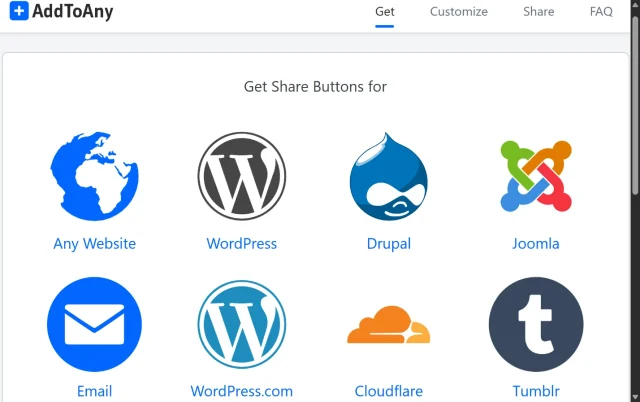
AddToAny Share Buttons makes it easy for readers to share your blog posts across social networks and messaging platforms. It supports a wide range of services, including Facebook, X, LinkedIn, Pinterest, Reddit, WhatsApp, Bluesky, Mastodon, and more. It also includes follow buttons, giving bloggers a way to encourage readers to connect with their social profiles.
Key features
- Inline and floating social sharing buttons
- Support for Facebook, X, LinkedIn, Pinterest, Reddit, WhatsApp, Bluesky, Mastodon, and other services
- Customizable button placement and appearance
- Social follow buttons
- Share counters
- Responsive design for mobile devices
- Support for sharing individual posts and pages
Why you need it
AddToAny is a good choice for bloggers who want a straightforward social sharing solution without committing to a premium plugin. Its large active user base and broad network support make it a more established option than smaller social-sharing plugins.
7. UpdraftPlus
Section titled 7. UpdraftPlusFree + Premium | Ease of Use: 9.2/10 | Performance Impact: 9.3/10 | Reliability: 9.5/10 | Features: 9.4/10 | 3+ million active installs
UpdraftPlus is your blog’s safety net. It lets you schedule regular backups and store them securely in the cloud, so if anything goes wrong, you can restore your entire site with a single click.
Key features
- Scheduled automatic backups
- Full and partial backups of files and databases
- One-click restoration
- Multiple remote storage options
- Site migration and cloning
- Automatic backups before updates with Premium
- Enhanced restoration of large backup files
Why you need It
Websites break due to plugins conflict, servers crash, updates fail. Without a recent backup, that can mean losing everything. UpdraftPlus gives you peace of mind by letting you schedule backups and restore your site instantly if something goes wrong.
Stay safe with automatic backups
Even if your site runs perfectly today, one wrong update can cause chaos tomorrow.
UpdraftPlus Premium automatically backs up before updates and saves copies to multiple locations, so you can restore your site in minutes.
8. Internal Link Juicer
Section titled 8. Internal Link JuicerFree + Premium | Ease of Use: 8.7/10 | Performance Impact: 8.9/10 | Reliability: 9.0/10 | Features: 8.8/10 | 90k+ active installs
Internal Link Juicer automatically builds smart internal links across your site by matching keywords in your posts to relevant pages. You no longer need to spend hours adding links by hand – it does the heavy lifting for you.
Key features
- Automatic link generation based on target keywords
- Customizable link limits per post
- Exclusion rules for specific categories or tags
- Detailed reports on link usage
Why you need it
Manually adding internal links can be tedious and time-consuming. Internal Link Juicer automates the process, helping readers discover related content while signaling to search engines which pages matter most. The result is stronger SEO, better navigation, and more time for writing – not linking.
Build smarter links automatically
Save hours of manual work with Internal Link Juicer Pro. It automatically creates relevant internal links across your blog, helping readers discover more content while boosting your SEO – all fully in your control.
9. Burst Statistics
Section titled 9. Burst StatisticsFree + Premium | Ease of Use: 9.3/10 | Performance Impact: 8.7/10 | Reliability: 8.9/10 | Features: 9.5/10 | 200k active installs
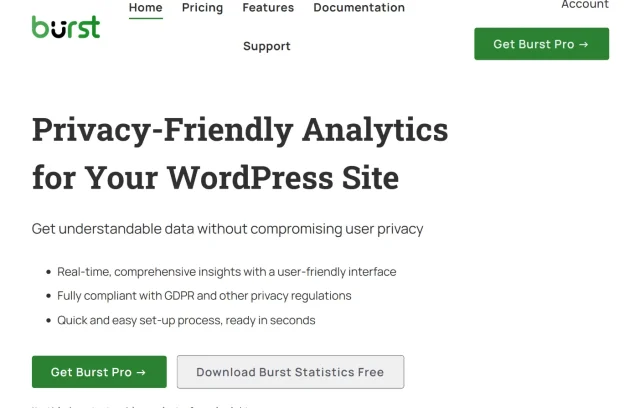
Burst Statistics is a privacy-focused analytics plugin that lets you understand visitor behaviour directly from your WordPress dashboard. Its recent updates have expanded the product beyond basic visitor statistics with engagement tracking, goals, Google Search Console integration, 404 tracking, and improved reporting.
Key features
- Visitor and session analytics
- Traffic sources and device information
- Engagement and time-based metrics
- Goal tracking
- Google Search Console integration
- 404 page tracking
- Privacy-focused tracking options
- Community benchmarks
Why you need it
If you care about privacy or want simple traffic insights without external scripts, Burst Statistics is a fantastic alternative (or companion) to Google Analytics.
Understand your readers better
Track visits, engagement, and traffic sources – all from your WordPress dashboard. Burst Statistics Pro gives you privacy-friendly, real-time analytics without third-party tracking or cookies, so you can focus on growing your audience confidently.
Conclusion
Section titled ConclusionBlogging isn’t only about writing great posts – it’s about running a site that’s fast, secure, and easy to find. The right plugins make that possible. The best WordPress blogs don’t use dozens of add-ons; they grow with smart choices and a solid foundation.
Here’s a simple stack I recommend:
- SEO & analytics: Yoast SEO + Burst Statistics
- Speed & performance: WP-Optimize
- Backups & security: UpdraftPlus + AIOS
- Design & engagement: Elementor + Social Snap + WPForms
These cover what matters most – visibility, speed, safety, and reader experience. Start small, add only what genuinely helps, and keep refining as you go. With the right setup, your blog won’t just look good; it’ll run smoothly and keep readers coming back.
What are the must-have WordPress plugins for a blog?
The must-haves are:
- Yoast SEO – for search visibility
- WP-Optimize – for speed and performance
- UpdraftPlus – for reliable backups
- AIOS Security – for protection
- WPForms – for connecting with your readers
- Burst Statistics – for privacy-friendly analytics
Together, these cover the essentials every blogger needs: performance, safety, visibility, engagement, and analytics – the foundation of a successful blog.
Are free WordPress plugins enough for a professional blog?
Yes, at least to start with. Many of the best plugins like UpdraftPlus, Yoast SEO, and WP-Optimize have powerful free versions that are enough for most bloggers. As your site grows, you can always upgrade to premium versions for extra features like scheduling, analytics, or automation.
How many plugins should I install on my WordPress blog?
There’s no magic number, but I recommend keeping it under 15 essential plugins. The key isn’t quantity – it’s quality. Each plugin should serve a clear purpose: improving performance, security, or user experience. Having too many can slow down your site or cause compatibility issues.
How do I know if a WordPress plugin is safe to install?
Always download from the official WordPress repository or trusted developer sites. Check reviews, active installations, and recent update history.
Do WordPress plugins slow down my blog?
Some can, especially if they’re poorly coded or outdated. The best approach is to install only what you need and test your site’s performance after each new plugin.
Is Google Analytics necessary if I use Burst Statistics?
Not really. Burst Statistics gives you lightweight, privacy-friendly insights right from your dashboard. It’s perfect if you don’t need advanced marketing funnels or ad tracking. For most bloggers, it’s simpler and faster to use than Google Analytics.
What’s the best security plugin for WordPress blogs?
For bloggers, I recommend a security plugin like AIOS. It covers everything from two-factor authentication to firewall protection in an easy-to-understand interface. It’s lightweight and doesn’t require technical setup.
Should I delete inactive plugins?
Yes. Even deactivated plugins can leave behind code that slows down your site or becomes a security risk. It’s good practice to delete any plugins you’re not using.
About the author

Elvira Mishra
Elvira has over four years of experience creating and designing content in WordPress. Her background spans multiple digital disciplines, including marketing, SEO, user experience, and human computer interaction.
Categories
UpdraftPlus
Get all our premium features. Direct site-to-site migration, incremental backups, back up automatically before updates and a whole lot more.
From just $70 for the year.
More stories
-

10 Best WordPress Plugins for Agencies in 2026
Discover the best WordPress plugins for agencies, from backups and security to performance optimisation and site management. Explore tools that make managing multiple client websites easier and more efficient.
-

Direct WordPress site-to-site migration: A step-by-step guide
Learn how direct WordPress site-to-site migration works and how to move your website between hosts or domains without manually transferring files.
-

5 WordPress Web Design Tips to Improve Your Website
Good web design is about more than appearance. Explore practical WordPress web design tips to improve your website's layout, navigation, mobile responsiveness, accessibility and performance, helping you create a better experience for your visitors.
-
Best AI Website Builders Compared
AI website builders can help you design, write and launch a website in minutes. Compare the best AI-powered website builders based on ease of use, features, customisation, pricing and performance to find the right solution for your next project.
