Best quiz plugins for WordPress

If you have ever tried to keep a room full of students engaged during a lecture, or keep a website visitor from leaving within a few seconds, you’ll know how difficult attention can be to hold online. Quizzes are still one of the simplest ways to make a website more interactive, whether you want to test knowledge, collect leads, increase engagement, or guide visitors towards the next step.
There are plenty of WordPress quiz plugins available, but they’re built for very different use cases. Some are designed for simple personality quizzes and lead generation, while others are powerful learning management systems (LMS) built for online courses, certifications, and student assessments. Finding the best quiz plugin for WordPress is less about choosing the plugin with the longest feature list and more about finding one that fits the way you actually plan to use it.
In this guide, I’ll walk through some of the best WordPress quiz plugins available right now, including options for educators, marketers, course creators, bloggers, and businesses. I’ll cover where each plugin stands out, what features are worth paying attention to, and what to consider before installing one on your site.
Key takeaways
Section titled Key takeaways- Choose a plugin based on how you plan to use quizzes. If you’re building full online courses with certifications and student progression, an LMS like LearnDash makes more sense than a lightweight quiz builder.
- Quiz data matters. Whether you’re collecting student grades, survey responses, or leads, it’s worth having reliable WordPress database backups in place before making major plugin updates.
- Mobile experience has a huge impact on quiz completion rates. Slow-loading or awkward quizzes can frustrate users quickly, especially on smaller screens.
- Teachers and course creators should look for features like timers, question banks, negative marking, and automatic certification to reduce manual grading and admin work.
My methodology
Section titled My methodologyThere are a lot of “best plugin” roundups online that simply repeat feature lists or rank plugins based on affiliate payouts rather than real-world use. For this guide, I focused on the things that actually matter when you’re building quizzes on a live WordPress site, whether that’s for students, customers, leads, or general engagement.
Every plugin in this list was evaluated using the following criteria:
- Ease of use: I looked at how quickly someone with little or no technical experience could go from installation to publishing a working quiz. Some plugins are far more beginner-friendly than others.
- Features: Beyond the basics, I looked for tools that solve real problems, including timers, question banks, logic branching, certificates, grading systems, and anti-cheating features.
- Analytics and reporting: Quiz data is only useful if you can actually understand it. I considered how well each plugin handled reporting, exports, completion tracking, and student or user insights.
- Value for money: A higher price doesn’t always mean a better plugin. Some free plugins offer surprisingly strong functionality, while others lock essential features behind expensive upgrades.
It’s also important to remember that quizzes can add extra scripts, database activity, and dynamic content to your website. Choosing good hosting, keeping your site optimised, and using the right WordPress caching plugin can make a noticeable difference to performance, especially on mobile devices.
If you’re also looking for the right design for your site, you can explore these best WordPress themes for 2025.
Top 10 best quiz plugins for WordPress
Section titled Top 10 best quiz plugins for WordPressBelow are the WordPress quiz plugins that stood out in testing, from simple quiz builders for blogs and lead generation to more advanced LMS tools for online courses, assessments, and certifications.
1. LearnDash
Section titled 1. LearnDashPremium | Ease: 7/10 | Features: 10/10 | Analytics: 9/10 | Value: 8/10 | Overall: 8.7/10
Ideal use case: Universities, professional training providers, membership sites, and anyone building structured online courses where quizzes, grading, and certifications are a core part of the learning experience.

LearnDash is one of the most established learning management systems for WordPress. Rather than being a simple quiz plugin, it’s designed to help you build complete online learning platforms with lessons, quizzes, certifications, student progression, and membership integrations all built into the same ecosystem.
It’s particularly well suited to educational websites, professional training providers, and businesses selling structured online courses where quizzes play an important role in assessment and certification.
Key features
- Advanced question types: Supports multiple quiz formats, including essay-based questions that require manual grading.
- Focus Mode: Creates a distraction-free learning experience by removing unnecessary navigation and page elements during lessons and quizzes.
- Certificate builder: Automatically generates certificates based on quiz completion or course progress.
- Drip-feed content: Allows lessons and quizzes to unlock gradually over time rather than all at once.
- Question banks and randomisation: Useful for reducing repetitive tests and helping minimise cheating during assessments.
Pros
- Excellent quiz and course progression tools
- Strong integrations with membership, ecommerce, and payment plugins
- Built to scale for larger educational platforms
- Detailed grading and reporting functionality
Cons
- Can feel overwhelming if you only need simple quizzes
- More expensive than standalone quiz plugins
- Takes longer to learn than beginner-focused tools
Verdict
LearnDash is one of the strongest options available if you are building serious online courses or educational platforms with structured learning paths, certifications, and advanced assessments.
For simple lead generation quizzes or casual blog engagement, it will probably feel too heavy. However, if you’re building a full eLearning platform, membership site, or training portal, the depth of functionality is difficult to beat.
Because LearnDash stores large amounts of student progress and quiz data, it’s also worth having a reliable WordPress backup strategy in place before major updates or course changes.
2. Thrive Quiz Builder
Section titled 2. Thrive Quiz BuilderPremium | Ease: 8/10 | Features: 9/10 | Analytics: 8/10 | Value: 7/10 | Overall: 8.5/10
Ideal use case: Edutech marketers and course creators who want to segment students before selling them a specific course.
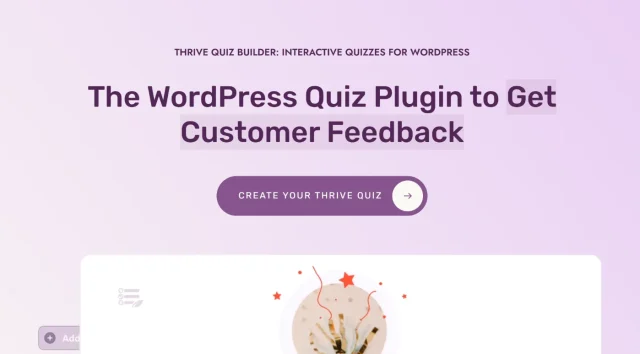
Thrive Quiz Builder is less focused on traditional grading and more focused on engagement, lead generation, and audience segmentation. It’s built with marketers in mind, making it a strong option for businesses, bloggers, and course creators who want quizzes to drive conversions rather than simply test knowledge.
The interface is modern and highly visual, with tools designed to improve completion rates and help you understand how users interact with your quizzes from start to finish.
Key features
- Visual branching builder: A flowchart-style editor that makes it easy to build personalised quiz paths based on user answers.
- A/B testing: Test different quiz pages, headlines, or introductions to improve conversions and engagement.
- Badges and social sharing: Gamification features designed to encourage quiz completions and shares.
- Email segmentation: Automatically tag users in email marketing platforms based on quiz outcomes or responses.
- Detailed reporting: Track quiz completion rates and identify where users drop off during the funnel.
Pros
- Excellent visual builder for complex quiz logic
- Strong lead generation and marketing integrations
- Useful engagement and conversion-focused features
- Modern user experience on both desktop and mobile
Cons
- Less suited to formal academic testing or certifications
- Can become expensive if you only need the quiz builder
- Some features are heavily geared towards marketing funnels
Verdict
If your goal is generating leads, segmenting visitors, or improving conversions, Thrive Quiz Builder is one of the strongest options available for WordPress.
It’s particularly effective for personality quizzes, recommendation quizzes, and marketing funnels where understanding user intent matters more than strict grading systems.
Because quizzes like these often rely heavily on scripts, tracking, and dynamic content, pairing Thrive with a good WordPress performance setup and caching plugin can help keep load times and completion rates under control.
3. Quiz And Survey Master (QSM)
Section titled 3. Quiz And Survey Master (QSM)Freemium | Ease: 6/10 | Features: 9/10 | Analytics: 7/10 | Value: 10/10 | Overall: 7.5/10
Ideal use case: Teachers on a budget who need specific grading logic and don’t mind tweaking some CSS to make it look good.
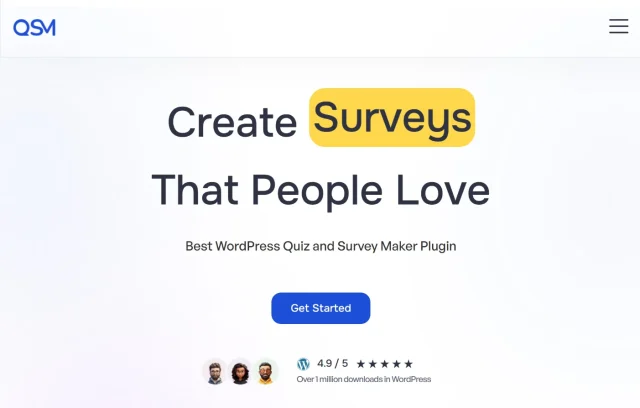
If you want advanced quiz functionality without committing to an expensive LMS platform, Quiz And Survey Master (QSM) is one of the strongest free options available for WordPress. The interface feels more functional than polished, but underneath it is an extremely flexible quiz engine capable of handling surprisingly complex testing scenarios.
It’s particularly popular with teachers, non-profits, and educational websites that need detailed grading logic without the cost of enterprise-level learning platforms.
Key features
- Negative marking: Deduct points for incorrect answers, which is useful for discouraging guessing during assessments.
- Timer support: Add time limits to quizzes and exams to help reduce cheating.
- Dynamic emails: Send different follow-up emails based on quiz scores or results.
- Math and formula support: Handles mathematical equations and more advanced educational question types.
- Extensive add-ons: Expand functionality with integrations, certificates, reporting tools, and additional quiz features.
Pros
- Very capable free version compared to many competitors
- Strong grading and quiz logic functionality
- Flexible enough for academic and certification-style testing
- Large library of extensions and integrations
Cons
- The interface feels dated compared to newer plugins
- Can feel overwhelming for beginners
- Advanced analytics often require paid add-ons
Verdict
QSM is one of the best WordPress quiz plugins for educators or organisations working with limited budgets but needing advanced testing functionality. It prioritises functionality over visual polish, which means there’s a bit more of a learning curve compared to beginner-focused builders like Forminator.
That said, the underlying quiz engine is extremely capable. Features like negative marking, timers, and complex grading logic make it a strong fit for serious educational use cases.
Because plugins like QSM can generate large amounts of quiz and submission data over time, it’s also worth keeping your WordPress database optimised, particularly on busy educational websites.
Manage all your classroom sites
If you are running multiple course websites or managing sites for a whole school district, logging in and out to update plugins is a nightmare. UpdraftCentral lets you update, manage, and monitor all your WordPress sites from a single dashboard.
4. Forminator
Section titled 4. ForminatorFreemium | Ease: 9/10 | Features: 7/10 | Analytics: 6/10 | Value: 9/10 | Overall: 7.8/10
Ideal use case: Classroom teachers who need a quick, good-looking quiz for a weekly check-in without spending a dime.
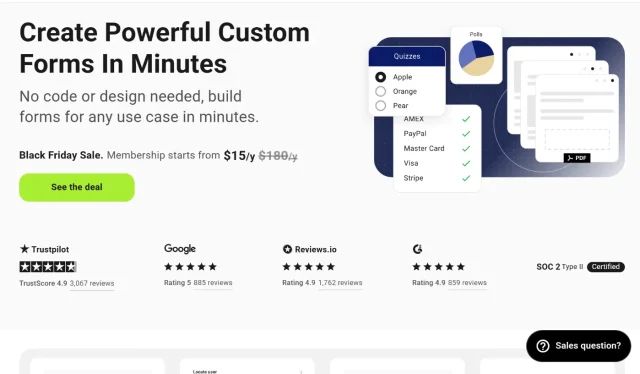
Forminator is proof that free WordPress plugins can still feel modern and polished. Although it started primarily as a form builder, its quiz functionality is surprisingly capable, especially for users who want something quick, beginner-friendly, and visually clean.
The interface is simple to navigate, making it a good option for bloggers, teachers, small businesses, and marketers who want to create quizzes without dealing with a steep learning curve.
Key features
- Drag-and-drop builder: An intuitive visual interface that makes creating quizzes fast and beginner-friendly.
- Knowledge Quiz mode: Designed specifically for right-and-wrong style quizzes and assessments.
- Payment integrations: Supports Stripe and PayPal integrations, even in the free version.
- Google Sheets integration: Automatically send quiz submissions and responses to spreadsheets for tracking and analysis.
- Responsive design: Quizzes adapt well across desktop, tablet, and mobile devices.
Pros
- Very easy to use, even for beginners
- Modern-looking quizzes that work well on mobile
- Generous free version without aggressive upsells
- Quick to set up and publish
Cons
- Lacks deeper LMS functionality like certificates or advanced grading
- Reporting and analytics are fairly basic
- Less suited to large-scale educational platforms
Verdict
Forminator is one of the best quiz plugins for WordPress if your priority is simplicity, speed, and ease of use. It’s ideal for quick engagement quizzes, classroom check-ins, lead generation forms, or lightweight assessments that don’t require enterprise-level course functionality.
The mobile experience is particularly strong, which matters because slow or awkward quiz interfaces can quickly hurt engagement and completion rates on smaller screens. Pairing it with a fast theme and good mobile optimisation practices can make an even bigger difference to usability.
5. WPForms
Section titled 5. WPFormsFreemium | Ease: 10/10 | Features: 6/10 | Analytics: 5/10 | Value: 6/10 | Overall: 7.5/10
Ideal use case: Elementary education or surveys where keeping the student focused on one thing at a time is critical.
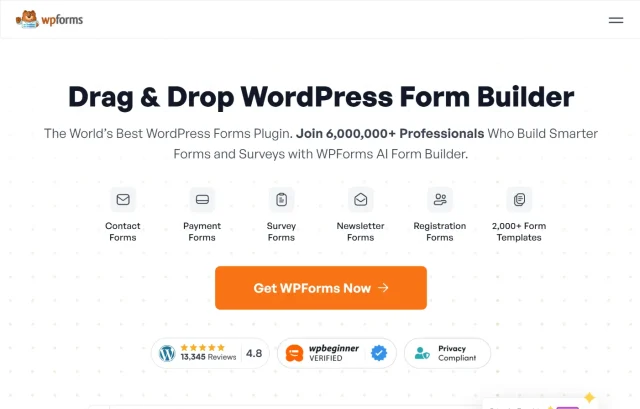
WPForms is best known as one of the most popular form plugins for WordPress, but with its Surveys and Polls addon, it also becomes a capable quiz and data collection tool. It’s particularly appealing for users who already rely on WPForms and want to add quizzes without introducing another major plugin to their site.
The interface is extremely beginner-friendly, and the conversational form style helps make quizzes feel less overwhelming, especially on mobile devices.
Key features
- Conversational Forms: Displays one question at a time to create a cleaner, more focused user experience similar to Typeform.
- Surveys and Polls addon: Adds quiz, survey, and reporting functionality with visual charts and summaries.
- Conditional logic: Show or hide questions dynamically based on previous answers.
- Instant notifications: Receive alerts immediately after quiz submissions or responses.
- Drag-and-drop builder: Makes form and quiz creation straightforward, even for beginners.
Pros
- One of the easiest quiz builders to use
- Clean conversational layouts help improve completion rates
- Very stable and reliable plugin ecosystem
- Good option for agencies and non-technical users
Cons
- Quiz functionality is locked behind higher-tier plans
- Limited academic grading and LMS-style features
- Less suited to complex educational assessments
Verdict
WPForms is a strong choice if you want a simple, reliable way to add quizzes, surveys, or questionnaires to a WordPress site without dealing with the complexity of a full LMS platform.
The conversational format works particularly well for lead generation, feedback forms, and lightweight educational quizzes because it reduces distractions and keeps users focused on one question at a time.
If you’re already using WPForms, adding quiz functionality can also help reduce plugin bloat by avoiding the need for multiple overlapping tools, which is generally better for both WordPress performance and maintenance.
6. Sensei LMS
Section titled 6. Sensei LMSFreemium | Ease: 7/10 | Features: 8/10 | Analytics: 7/10 | Value: 8/10 | Overall: 7.5/10
Ideal use case: WooCommerce store owners adding certification to their products, or purists who want a native WordPress feel
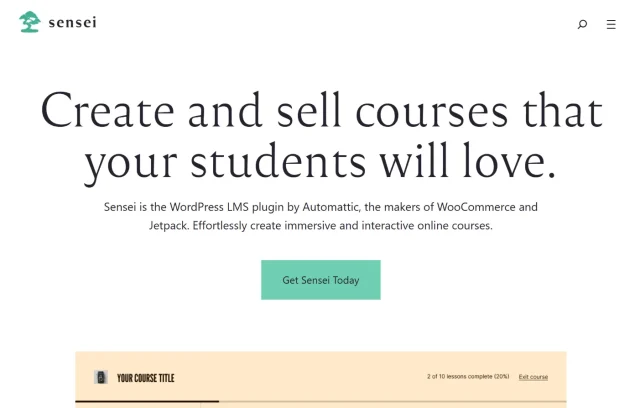
Built by Automattic, the company behind WordPress.com and WooCommerce, Sensei LMS feels closely connected to the core WordPress experience. Rather than replacing the WordPress interface with a completely separate system, it works directly inside the native block editor, which makes it feel familiar and easy to navigate for existing WordPress users.
It’s a particularly strong option for WooCommerce store owners, bloggers, and businesses that want to add courses or quizzes without dealing with an overly complicated LMS setup.
Key features
- Teacher roles: Assign specific users permission to manage and grade quizzes without giving full admin access.
- WooCommerce integration: Sell courses, memberships, and learning content directly through WooCommerce.
- Interactive blocks: Add flashcards, image hotspots, task lists, and other interactive learning elements using the WordPress block editor.
- Question banks: Reuse and randomise questions across different quizzes and courses.
- Native Gutenberg support: Build lessons and quizzes using the standard WordPress editing experience.
Pros
- Feels very natural inside WordPress
- Excellent compatibility with WooCommerce
- Clean codebase and reliable performance
- Free core version available
Cons
- Advanced extensions can become expensive over time
- Design styling can feel basic without a strong theme
- Less feature-heavy than larger LMS competitors
Verdict
Sensei LMS is a great fit for WordPress users who want a cleaner, more native learning platform experience without relying on bulky custom dashboards or overly complex interfaces.
It’s especially useful if you already run a WooCommerce-powered website and want to add quizzes, courses, or certifications alongside your existing products and content.
Because Sensei relies heavily on the WordPress block editor and theme styling, pairing it with a well-optimised and flexible WordPress theme can make a noticeable difference to the overall learning experience.
7. Tutor LMS
Section titled 7. Tutor LMSFreemium | Ease: 8/10 | Features: 9/10 | Analytics: 8/10 | Value: 9/10 | Overall: 8.3/10
Ideal use case: Individual tutors and coaching centers who want a modern, app-like experience for their students.
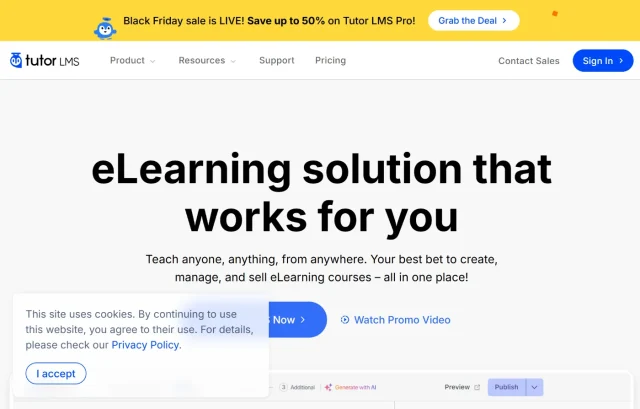
Tutor LMS has quickly become one of the most popular modern LMS plugins for WordPress thanks to its polished interface and beginner-friendly approach to course creation. Unlike some older learning platforms that feel heavily tied to the WordPress backend, Tutor LMS focuses on a cleaner frontend experience that feels closer to a modern web application.
It’s particularly appealing for solo course creators, coaching businesses, online tutors, and membership websites that want powerful quiz functionality without an overly technical setup process.
Key features
- Frontend course builder: Create courses and quizzes without needing to work directly inside the WordPress admin dashboard.
- 10+ question types: Includes image matching, ordering, multiple choice, and other interactive quiz formats.
- Student dashboard: Provides learners with a clean interface for tracking progress, quiz results, and enrolled courses.
- Multi-instructor support: Allows multiple teachers or course creators to manage content on the same platform.
- Quiz attempts and grading: Track submissions, quiz attempts, and student performance directly inside the LMS.
Pros
- Modern and user-friendly interface
- Strong frontend experience for both students and instructors
- Generous feature set in the free version
- Good balance between simplicity and advanced functionality
Cons
- Some advanced integrations require paid plans
- Support quality can vary depending on response times
- Can become resource-heavy on larger course websites
Verdict
Tutor LMS is one of the best quiz plugins for WordPress if you want a modern learning platform experience without the complexity or pricing of some enterprise LMS tools.
The frontend course builder is one of its standout features, particularly for users who find the WordPress admin area intimidating or overly technical. It makes course and quiz management feel much more approachable.
As your course library and student data grow, it’s also worth paying attention to hosting performance and scalability. Choosing reliable WordPress hosting can make a big difference to quiz performance, dashboard responsiveness, and the overall learning experience.
Don’t lose your students’ grades
Backups are your safety net. Imagine running final exams and your site crashes, wiping out all of the grades of your students. UpdraftPlus ensures you can back up and restore your entire network of educational sites in minutes.
8. HD Quiz
Section titled 8. HD QuizFree | Ease: 9/10 | Features: 5/10 | Analytics: 4/10 | Value: 10/10 | Overall: 7.0/10
Ideal use case: Simple, fun quizzes for blog posts or quick classroom warm-ups where data retention isn’t the priority.
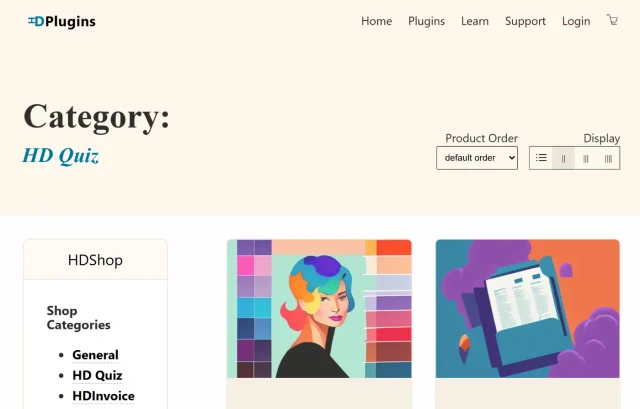
Sometimes you don’t need a full learning management system; you just need a simple, lightweight quiz plugin that works well. HD Quiz focuses on doing exactly that. It’s fast, easy to use, and completely free, making it a strong option for blogs, small websites, and anyone wanting to add quizzes without adding unnecessary complexity.
Because it’s lightweight, HD Quiz is particularly well suited to trivia quizzes, personality quizzes, classroom warm-ups, and engagement-focused content where speed and simplicity matter more than advanced grading systems.
Key features
- Quiz timers: Add countdown timers to create urgency and challenge users.
- Image-based answers: Useful for visual quizzes and interactive “guess the image” style content.
- Social sharing: Built-in sharing options help encourage quiz engagement across social platforms.
- Translation ready: Supports multilingual websites and translated quiz experiences.
- Responsive layouts: Works well across desktop and mobile devices.
Pros
- Fast and lightweight compared to larger LMS plugins
- Completely free with no aggressive upsells
- Very easy to set up and use
- Good option for blogs and casual engagement quizzes
Cons
- Limited analytics and reporting
- No advanced grading or certification features
- Less suitable for structured online learning platforms
Verdict
HD Quiz is one of the best free quiz plugins for WordPress if your main goal is adding lightweight interactive content to your website without affecting performance too heavily.
It’s ideal for blogs, entertainment sites, and smaller educational websites that want quizzes to increase engagement rather than manage full student assessment systems.
Because lightweight plugins can still affect performance over time, especially on content-heavy websites, it’s worth keeping an eye on overall site speed and using good WordPress caching practices to maintain fast loading times.
9. Watu Quiz
Section titled 9. Watu QuizFreemium | Ease: 5/10 | Features: 8/10 | Analytics: 8/10 | Value: 8/10 | Overall: 7.0/10
Ideal use case: Data-heavy academic testing where the reliability of the grade calculation matters more than the UI.

Watu Quiz is built more for functionality and reporting than visual design. It’s the kind of plugin that prioritises grading accuracy, data exports, and assessment logic over polished frontend styling, which is why it’s still widely used on educational and academic websites.
Although the interface feels dated compared to newer quiz builders, the underlying grading and reporting system is extremely reliable, especially for users who need detailed quiz data and offline analysis.
Key features
- CSV exports: Export quiz results and grading data for analysis in Excel or other spreadsheet tools.
- Point categories: Assign scores to different skills or categories, such as grammar, vocabulary, or topic-specific knowledge areas.
- Negative marking: Deduct points for incorrect answers to discourage guessing.
- Required questions: Prevent users from progressing without answering key questions.
- Lightweight structure: Runs relatively efficiently compared to larger LMS platforms.
Pros
- Strong grading and calculation functionality
- Excellent export and reporting tools
- Reliable for structured academic testing
- Lightweight compared to some LMS plugins
Cons
- The interface feels outdated
- Frontend styling often requires custom CSS
- Mobile responsiveness is weaker than newer competitors
Verdict
Watu Quiz is a good fit for educators, schools, and organisations that care more about grading logic and reporting than visual polish. If you regularly export quiz results, analyse scoring trends, or manage structured assessments, it handles those tasks very well.
It’s less beginner-friendly than modern builders like Forminator or Tutor LMS, but the core quiz engine is stable and dependable for data-heavy educational use cases.
Because plugins like Watu can generate large amounts of stored quiz data over time, regularly maintaining and optimising your WordPress database can help keep performance under control.
10. Interact
Section titled 10. InteractPremium (SaaS) | Ease: 9/10 | Features: 7/10 | Analytics: 9/10 | Value: 6/10 | Overall: 8.0/10
Ideal use case: Marketing teams within educational institutions looking for lead generation.

Interact works a little differently from most WordPress quiz plugins because it’s a hosted SaaS platform rather than a fully native WordPress solution. Instead of running everything directly on your website, quizzes are powered through Interact’s own infrastructure and embedded into WordPress using a plugin.
This makes it particularly attractive for marketers and businesses that want highly polished, “BuzzFeed-style” quizzes without adding too much extra load to their own server.
Key features
- Large template library: Includes hundreds of ready-made quiz templates designed for engagement and lead generation.
- Email marketing integrations: Connects with platforms like Mailchimp, ConvertKit, ActiveCampaign, and others.
- Branching logic: Build personalised quiz journeys based on how users answer questions.
- Hosted infrastructure: Quiz processing runs on Interact’s servers rather than your WordPress hosting environment.
- Lead analytics: Track conversions, completions, and audience segmentation data.
Pros
- Huge library of professional quiz templates
- Very strong marketing and lead generation tools
- Reduced impact on your own server resources
- Quick to launch quizzes without much setup
Cons
- Monthly subscription costs can add up over time
- Quiz and user data is stored externally
- Less suitable for sensitive educational or student data
Verdict
Interact is a strong option for marketers, bloggers, and businesses focused on lead generation and audience engagement rather than formal education or grading.
The template library is one of its biggest strengths because it allows you to launch polished quizzes quickly without needing to build complex logic from scratch.
However, because the platform stores data externally, it may not be the best fit for websites handling sensitive student information or organisations operating under stricter GDPR and privacy requirements. If data ownership is a priority, native WordPress quiz plugins may be a safer long-term option.
Comparison table
Section titled Comparison tableA note on data safety for educators
Section titled A note on data safety for educatorsQuiz plugins do more than generate interactive content; they also store valuable user data. For educators, that might include student grades, assessment history, quiz attempts, and progress tracking. For businesses and marketers, it could be lead data, survey responses, or customer insights.
Because quiz plugins constantly write information to your database, they can increase database usage and create large amounts of stored data over time. Plugin conflicts, failed updates, hosting issues, or database corruption can sometimes result in lost submissions or broken quiz functionality if you are not properly backed up.
If you’re running quizzes on a live educational or business website, having reliable WordPress backups in place is essential, especially before updating plugins, running major exams, or making structural changes to your site.
I personally use UpdraftPlus because it makes it easy to schedule automatic backups to remote storage locations like Google Drive, Dropbox, or other off-site services. On larger quiz or LMS websites, having a recent backup available can save a huge amount of stress if something goes wrong unexpectedly.
Conclusion
Section titled ConclusionThe best quiz plugin for WordPress really depends on what you want your quizzes to achieve.
If you’re building structured online courses with certifications, student progression, and advanced grading, platforms like LearnDash or Tutor LMS make the most sense. If your focus is lead generation, audience segmentation, or engagement-focused quizzes, tools like Thrive Quiz Builder and Interact are much better suited to marketing workflows.
For smaller websites, bloggers, or educators working with limited budgets, plugins like Forminator, HD Quiz, and Quiz And Survey Master offer a lot of flexibility without requiring a major investment.
It’s also worth thinking beyond just quiz functionality. Performance, mobile usability, database maintenance, and data protection all play an important role in the overall user experience, especially as your quizzes and user submissions grow over time.
And once you start collecting quiz results, student data, or lead information, having reliable backups becomes just as important as the plugin itself. Using a dependable backup solution like UpdraftPlus can help protect your site and restore important data quickly if something ever goes wrong.
FAQs
Section titled FAQsCan WordPress quiz plugins collect email addresses?
Yes. Many quiz plugins support email capture forms and integrations with marketing tools like Mailchimp, ConvertKit, and ActiveCampaign. Thrive Quiz Builder and Interact are particularly strong for lead generation and audience segmentation.
Do WordPress quiz plugins work on mobile devices?
Most modern quiz plugins are mobile responsive, but some older plugins may require additional styling or optimisation to work well on smaller screens. Mobile usability matters because slow or awkward quiz experiences can reduce completion rates significantly.
Can I import quiz questions from CSV or Excel files?
Some quiz plugins support importing questions from CSV files, which can save a huge amount of time for teachers and course creators managing large question banks. Quiz And Survey Master and Watu Quiz both offer strong import and export functionality.
How do quiz plugins store data in WordPress?
Most native WordPress quiz plugins store quiz results, submissions, grades, and user progress directly inside your WordPress database. SaaS platforms like Interact work differently because some or all of the data is stored externally on their own servers.
Should I back up my quiz data?
Absolutely. Quiz plugins can generate large amounts of valuable data, including student grades, quiz submissions, and lead information. Using reliable WordPress backups helps protect your data if a plugin update, hosting issue, or database problem causes something to break.
What is the best free quiz plugin for WordPress?
If you want a completely free quiz plugin for WordPress, Forminator and HD Quiz are two of the strongest options available. Forminator offers a more modern interface with flexible quiz and form features, while HD Quiz is lightweight and ideal for simple trivia or engagement-focused quizzes. For more advanced grading and academic testing, Quiz And Survey Master (QSM) offers one of the most capable free versions on the market.
About the author

Elvira Mishra
Elvira has over four years of experience creating and designing content in WordPress. Her background spans multiple digital disciplines, including marketing, SEO, user experience, and human computer interaction.
Categories
UpdraftPlus
Get all our premium features. Direct site-to-site migration, incremental backups, back up automatically before updates and a whole lot more.
From just $70 for the year.
More stories
-

Best AI Website Builders Compared
AI website builders can help you design, write and launch a website in minutes. Compare the best AI-powered website builders based on ease of use, features, customisation, pricing and performance to find the right solution for your next project.
-

How incremental backups save time and storage in WordPress
Incremental backups only save the changes made since your last backup, helping you reduce storage usage, speed up backups and lower server load. Learn how they work and why they're an essential part of an efficient WordPress backup strategy.
-
Best WordPress Website Builders Compared
Discover the best WordPress website builders for every skill level. Compare features, ease of use, pricing and performance to choose the right builder for your blog, business or online store.
-

How to Schedule WordPress Backups
Learn how to schedule WordPress backups, choose the right frequency, and keep copies ready when you need to restore your site.
